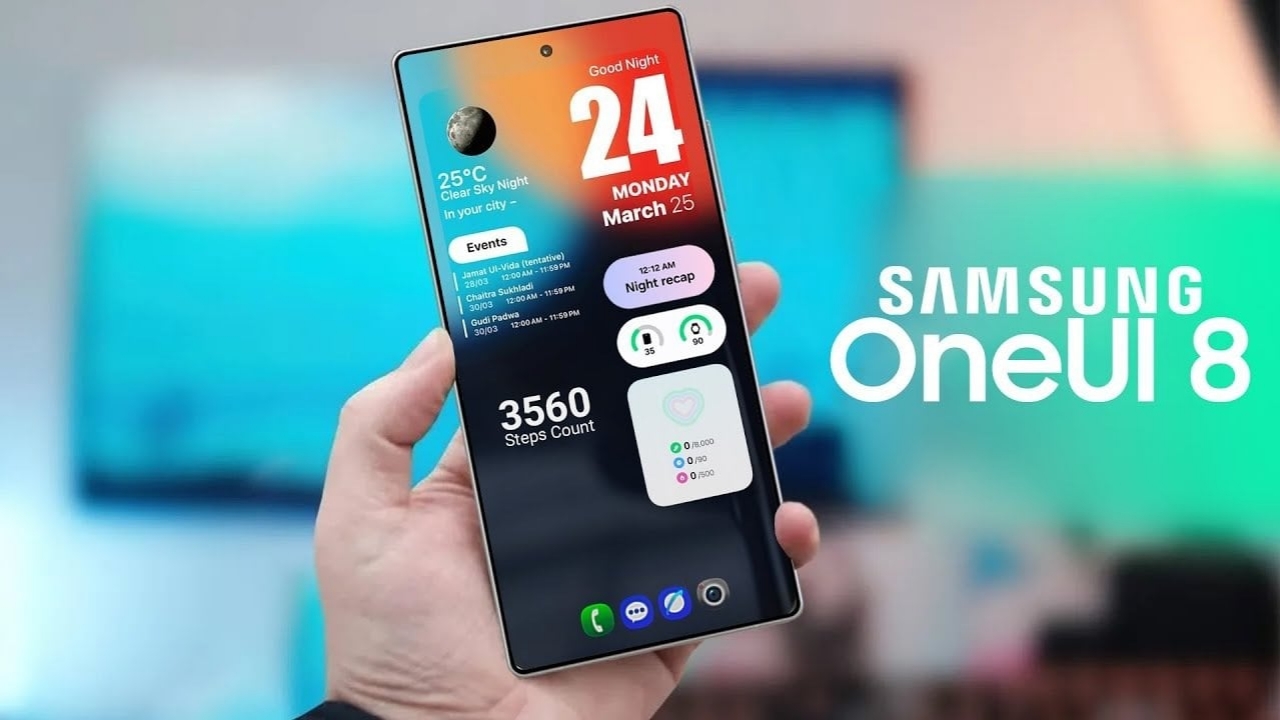
Samsung has officially rolled out the software update of One UI 8 on various Samsung devices. As we know, with this software update, different Samsung phones will receive new feature sets. Therefore, in this new article, we have provided detailed information about the Samsung One UI 8 software update.
Which new features have been added in One UI 8 update?
The good news is that the latest One UI 8 update has already been rolled out by Samsung to several of its devices, and the company has added many exciting features to these phones, including a personalized Now Bar, security/privacy enhancements, call captions announced, quick share, etc. And now, in the section below, we will discuss these features in more detail.
Samsung One UI 8 Personalised Now Bar
Samsung has introduced an upgraded version of Now Bar, which shows users the live ongoing activities on the lock screen, such as sports, recording, music, calling, maps, etc. Samsung has also upgraded Now Brief. Now Brief gives users daily information on health, wellness, and travel. Please note that although this information is important to know, its availability is not for all devices; it is only available for Galaxy Z Fold 7, Z Flip 7, Z Flip 7 FE, S25 Edge, S25 Ultra, S25+, Tab S11 Ultra, and Tab S11 devices.
Samsung One UI 8 Details About Security and Privacy
In One UI version 8, Samsung has incorporated several updates in terms of security and privacy, such as Knox KEEP. With Knox KEEP, each application has its designated encrypted space. Therefore, data remains separate as well as secure. Secondly, Samsung has incorporated Knox Matrix. If there is a problem with a Samsung device, as identified by Knox Matrix, it automatically signs out the Samsung account from all devices.
Samsung One UI 8 New Call Captions Feature
Another good feature is provided by Samsung in the latest update of One UI 8, and it is called Call Captions. There may be a severe situation when we are talking to someone in a call or over a voice call. We may not be aware or may not know the language of the other person. The use of Call Captions helps in showing the discussion being done in the call in text format in the language that the user choose.
Samsung One UI 8 Upgraded Quick Share
Apart from the addition of new features, Samsung has also improved its old features. For example, Quick Share is improved and made faster and more precise. The addition of Send and Receive buttons to Quick Share has also made it easier for users to understand and use the feature. In the same way, old features like Reminders, Calendar, Alarm, AI, and Circle to Search have also been improved.
And so, dear Samsung users, we hope that this newly published post about Samsung’s new UI 8 features will be very helpful for you, and we also hope that you are enjoying all these new UI 8 features.