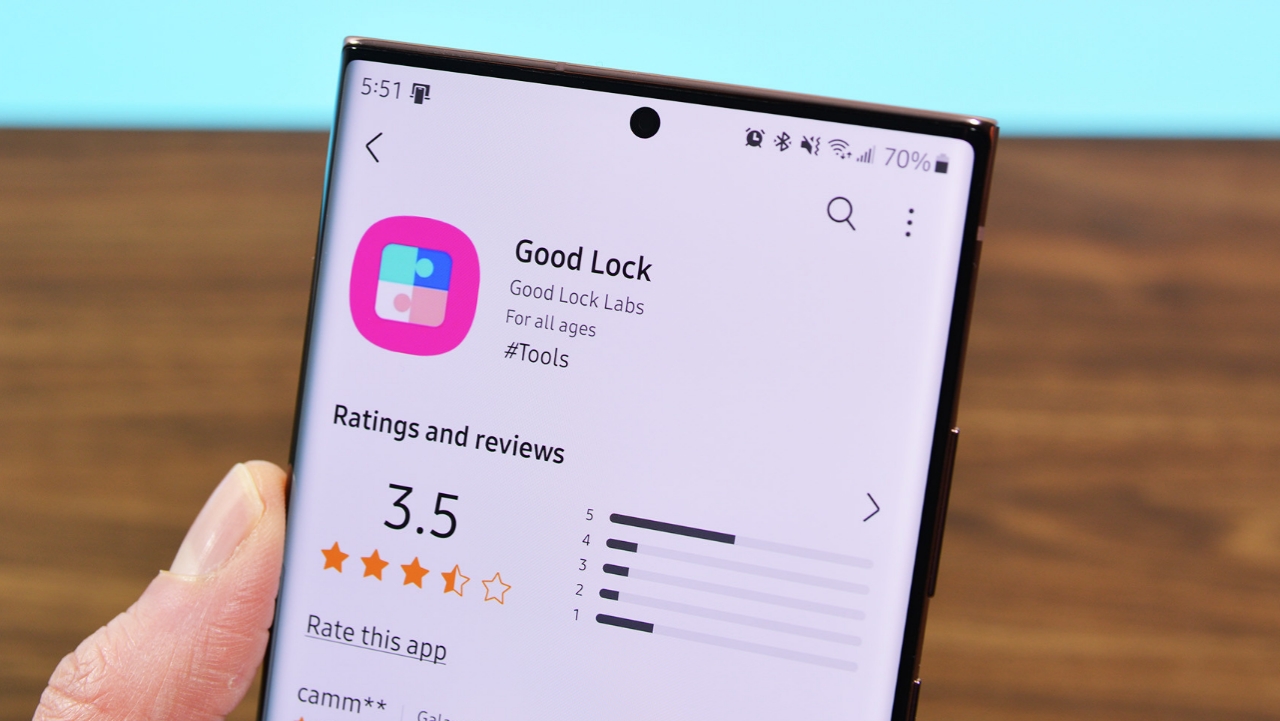
Samsung mobile devices are very popular due to their features and customizations. Along with this, Samsung has also introduced a special application named Good Lock on their mobile phones. With this application, you can further customise your Samsung mobile phones. So, in this post, we are going to learn about all the customisation features of Good Lock.
Good Lock 1st Customization Feature QuickStar
In Good Lock, the first customization feature you have access to is QuickStar. With QuickStar, you can customize your status bar and quick panel. For example, you can select to not have icons on your status bar, change the theme of your quick panel, make changes to the button grid on your quick panel, and choose to open your quick panel.
Good Lock 2nd Customization Feature LockStar
The second in customization options in Good Lock is presented by LockStar. With the LockStar feature in customization, Samsung users are allowed to customize the lock screen and always-on display. The lock screen gives Samsung users the opportunity to select different and varying clock styles and varying clock size, change position of lock screen elements, easily change lock screen timeout, decorate lock screen using stickers, and add best widgets. On the always-on display screen, the user can add widgets and use stickers.
Good Lock 3rd Customization Feature NavStar
InGood Lock, the third customization feature that is available is NavStar. With the available NavStar feature in the Samsung Nav bar, Samsung users are able to create their own best navigation bar or best gesture mode. In the navigation bar, the available options include customization of navigation bar icons using best available stickers, adding new feature buttons, customization of navigation bar best color, and navigation bar hiding options.
Additionally, the users can easily hide the backgrounds behind the unique gesture handles in the gesture mode, adjust the length and color of the gesture handles, enable the option to quickly switch apps in the navigation bar on the Galaxy Fold device, and more.
Good Lock 4th Customization Feature Home Up
The 4th feature you will receive when you attain Good Lock status in One UI Home is Home Up. With Home Up, one is able to create their own personalized One UI Home. One is able to redesign the Samsung Phones Home screen using one-of-a-kind DIY Home, create their own best gesture animations, utilize many new types of layouts for the Samsung Phone’s Home screen, Uniqiue App drawer, and folders, easily customize pop up folder types and unique layouts, easily restore Home screen layout, customization of unique Recent Apps window, customization of your Samsung Phone’s Edge panels, and editing of unique Share Via window.
Besides these customization features, you will also get other useful features such as Edge Touch, Nice Catch, One Hand Operation, Routines, MultiStar, Camera Assistant, RegiStar, Sound Assistant, ClockFace, and Game Booster, and you can use each of these features individually. In short, these are among the best features available for Samsung devices. We expect this post on Good Lock will prove to be extremely helpful for you.